
Create an account & sign in
Start by creating one account for your whole family, then sign in to manage creators, activities, and rewards.
On the websiteThis feature is currently available in the mobile app.
- Website signup is coming soon, so we do not present it as a ready path today.
- To start now, download the Mobdeen app from your device's app store.
- Create the account, start the free trial, and manage your plan inside the mobile app.
Website dashboards and public website signup are in development; we will announce them here once approved.
In the mobile app
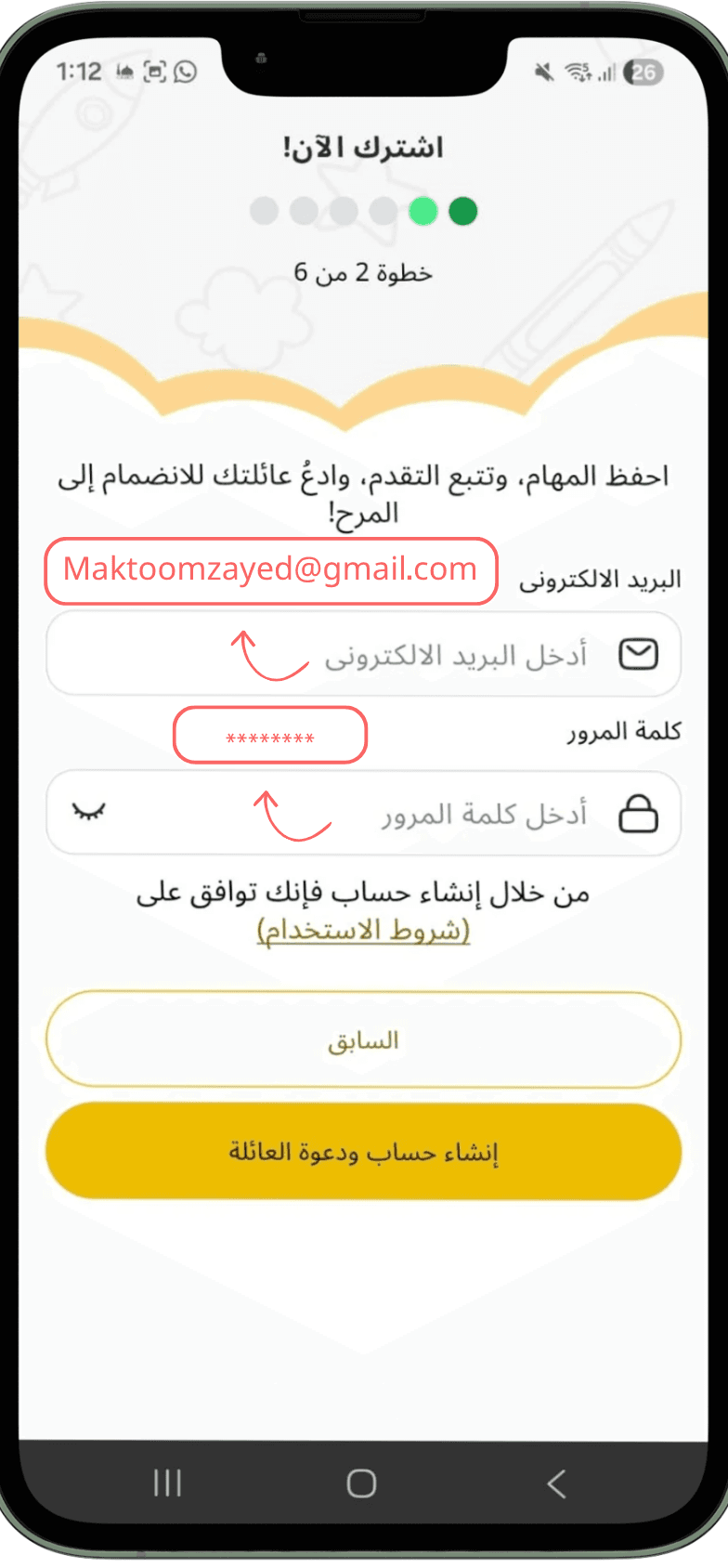
- Open the app and tap “Create a new account”.
- Complete the setup: family name, number of creators and ages, priorities, and starter activities.
- Tap “Register and add the family”.
- To sign in later, use email and password, or sign in with Google or Apple.
Difference between platforms: Today, account creation starts in the mobile app; website signup and web dashboards are in development.
Tip: One account per family is enough inside the app — you can invite other supervisors and add creators after signing in.